
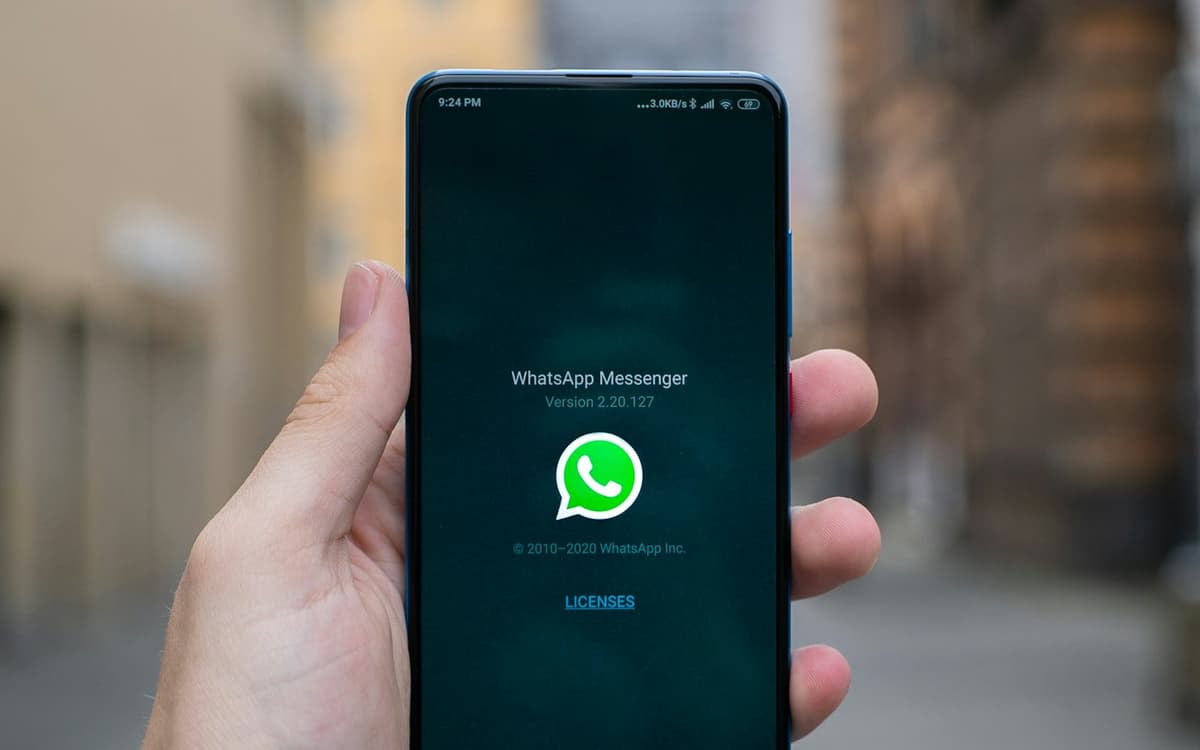
For many small businesses in Senegal, WhatsApp is already the first place customers meet them: they ask the price, send a photo, agree on delivery. WhatsApp Business is the version designed for that use. According to WhatsApp, the app is free for small businesses. This guide explains how to set it up so that it reassures and saves time. Menus may change: if a label differs, look for the equivalent feature.
1. Install it and separate work from personal
Install WhatsApp Business with a number dedicated to the activity, if possible. Mixing personal conversations and customers causes many oversights and a less serious image.
2. Polish the profile
The profile is your storefront. A hesitant customer checks it before buying.
- Business name identical to your other materials.
- Profile picture: your logo, legible when tiny, on a plain background.
- Category and a short, clear description (what you sell, for whom).
- Address or service area, opening hours, e-mail, link to your website or Instagram.
3. Build a catalogue that makes people want to buy
The catalogue lets you show products or services with photo, name, description, price and link. To be credible, consistency matters more than perfection.
- Same background and lighting on all photos.
- Identical framing (for example square) so the grid looks clean.
- Short name, one- to two-line description, clear price.
- Put your most requested items first.
4. Write the automatic messages
Three messages do most of the work.
Greeting message
Sent to a new contact. It confirms you received the message and gives the next step.
Away message
Sent outside your opening hours. It prevents the feeling of being ignored.
Quick replies
Shortcuts for questions that keep coming back: price, lead time, delivery, payment methods, address. Write them once, use them a hundred times.
5. Organise with labels
Labels classify conversations: new customer, quote sent, to follow up, paid, delivered. Spend five minutes each evening following up the “quote sent” conversations: that is often where dormant sales sit.
6. Pro visuals consistent with the rest of your brand
A customer who sees the same logo, colours and fonts on WhatsApp, Instagram and your business card understands they are dealing with a real company. Prepare three templates:
- A product card (photo, name, price, your discreet logo).
- An announcement (new item, promotion, out of stock).
- A “how to order” visual with the steps in three stages.
Keep the same fonts and colours as in your brand guide: see launching your brand and Instagram, staying consistent.
7. Good practice and limits
- Reply fast: even a simple “received, I will come back within the hour” counts.
- Do not add people to groups or lists without their consent: you risk being reported.
- Do not share customers’ personal data beyond what is necessary.
- For larger volumes or several users, WhatsApp offers other plans: check its current terms before committing.
Set up in 30 minutes
Need templates in your identity? Write to us.