

← All products
Full license
Adobe Illustrator
macOS & Windows
UI FR / EN / ES
Numa Pagination
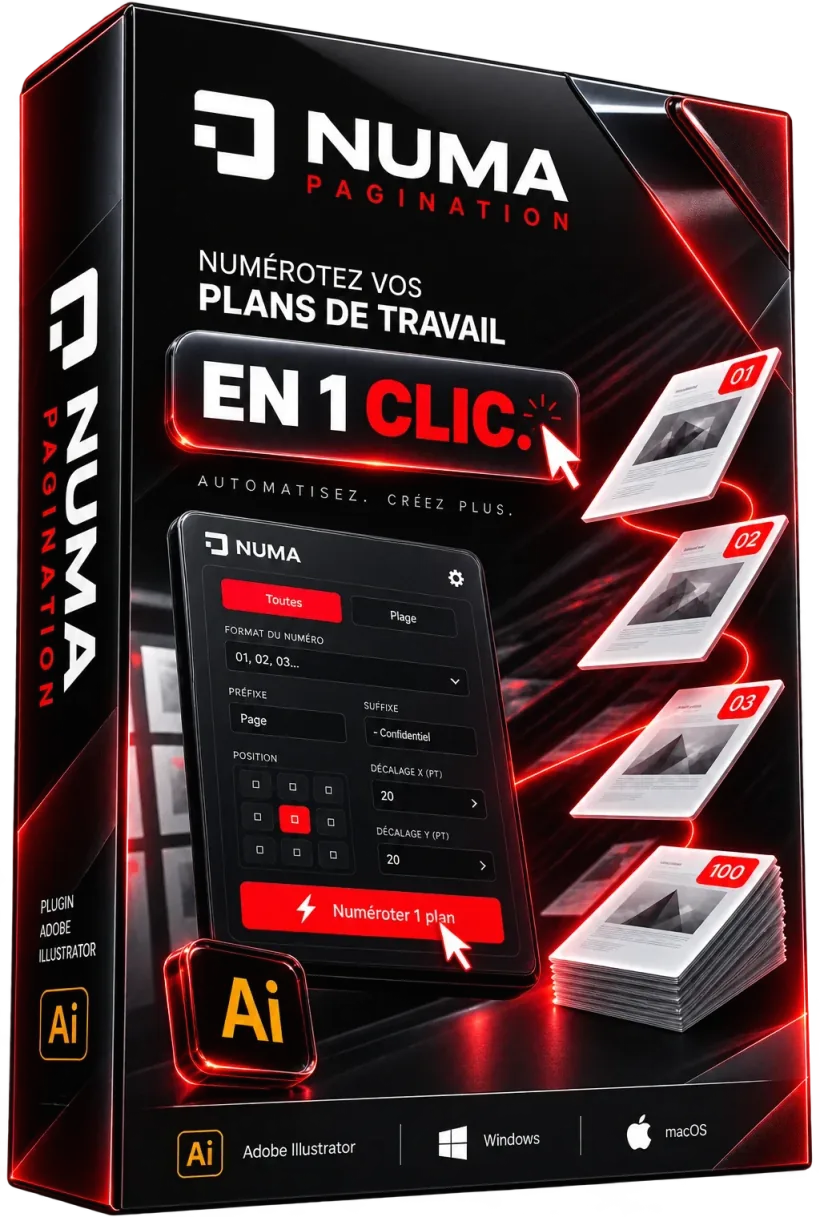
Adobe Illustrator lacks built-in automatic page numbering — turning every 60-slide brand book reorder into tedious manual edits. Numa Pagination numbers or updates all your artboards in a single click.
Official launch video · 0:45
Watch Numa Pagination in action inside Illustrator
From tedious manual renumbering to a single click: explore the trilingual panel (FR / EN / ES), custom prefix & suffix, 9-point anchor matrix, Book Mode (odd right, even left), and instant folio removal.
What Numa Pagination does
01
One-click numbering: all artboards or custom range
Number every artboard in your file instantly, or target a specific page range so cover and divider slides stay clean.
02
Clean folio formats (01, 02, 03…)
Pick structured leading-zero or standard numbering styles tailored to editorial decks and client presentations.
03
Custom prefix & suffix fields
Automatically wrap page numbers with your studio or document labels (such as “Page 04”, “04 — Brand Book” or “Page 12 - Confidential”).
04
9-point anchor matrix + exact X / Y offset (pt)
Snap folios to any corner, edge or centre anchor with point-accurate horizontal and vertical margin offsets.
Built for real deliverables
- 20-to-120+ artboard brand guidelines and identity manuals
- Client pitch decks, proposals and tender presentations
- Product catalogues and landscape PDF portfolios built in Illustrator
- Instant re-numbering whenever slides are inserted or reordered
Read the guide: Building brand guidelines teams actually use →
Specifications & compatibility
- Host application
- Adobe Illustrator CC
- Operating systems
- macOS (Intel & Apple Silicon) & Windows
- Usage license
- One-time purchase · Personal & commercial work
More plugins by NUMA
FreeIllustrator · Mac & Win
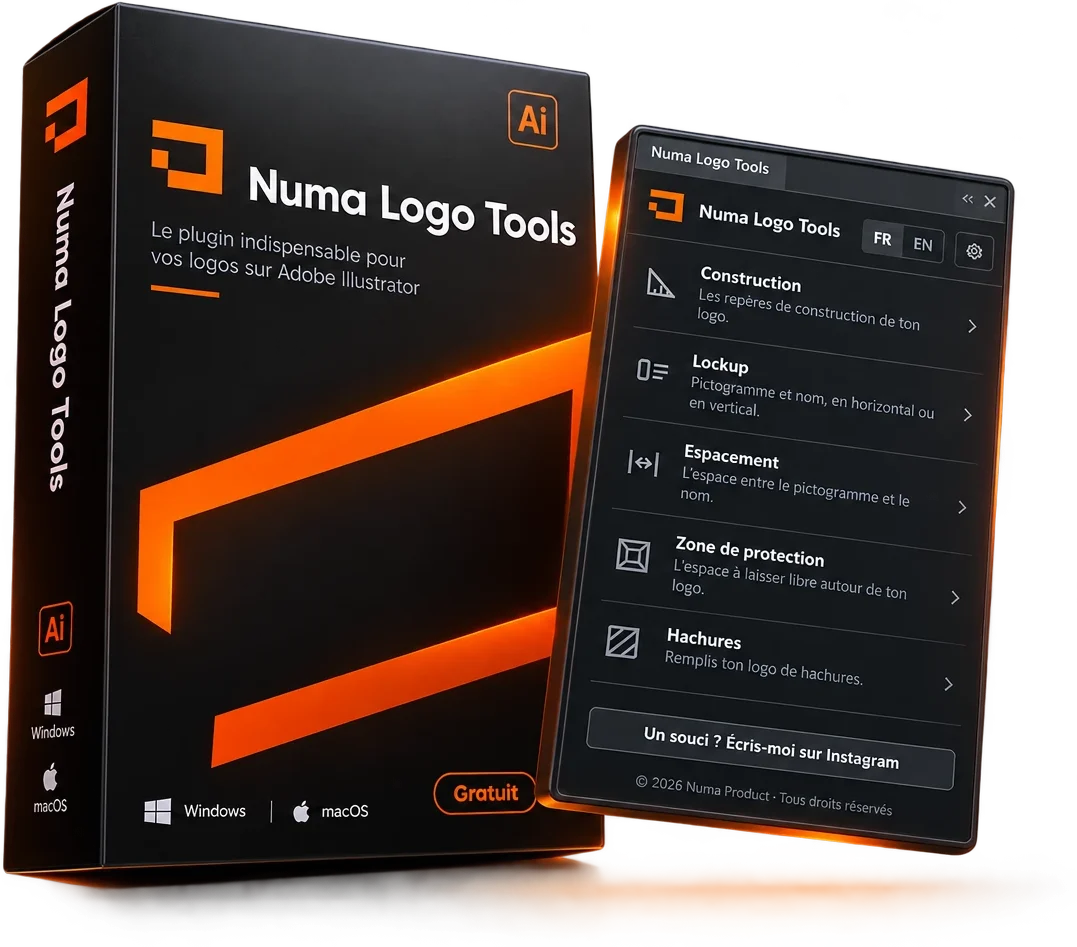
Numa Logo Tools
Construction guides, horizontal/vertical lockups, clear-space framing and hatching for logo design.
FreeWeb App · 100% Free
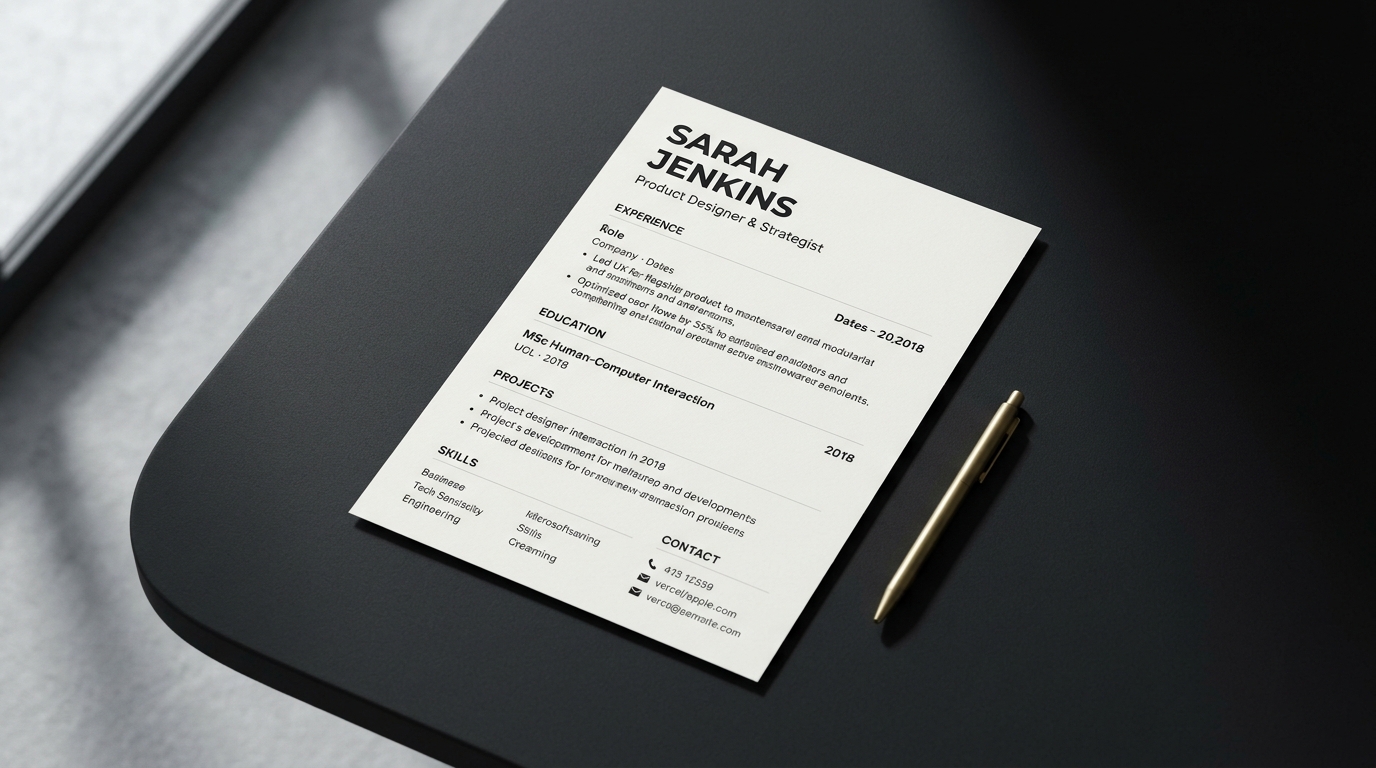
Créateur de CV
5-step guided resume editor with 4 ATS-friendly templates, interactive A4 preview, and direct PDF and Word (.docx) downloads.
