Great software never replaces visual culture, taste or compositional discipline — yet clunky tooling quietly burns hours every week on repetitive manual steps, broken print exports and overlapping subscriptions. Today, neither freelance designers nor studios are locked into a single monolithic suite: you can assemble a sharp, reliable environment tailored to your craft and budget.
This guide walks through the practical graphic design stack across vector drawing, editorial publishing, UI, typography, colour accuracy, prepress and workflow automation.
1. Core creation software: industry standards and subscription-free options
The Adobe trio (Illustrator, InDesign, Photoshop)
Still the shared production language across print houses, agencies and publishing teams worldwide:
- Illustrator for precision vector drawing, logo design, signage and packaging dielines.
- InDesign for multi-page editorial work (books, annual reports, magazines, brand manuals) powered by master pages and paragraph styles.
- Photoshop for high-end retouching, compositing and colour grading.
Capable subscription-free and open-source alternatives
- Affinity Suite (Designer, Photo, Publisher): fast even on modest laptops, handling professional CMYK, PDF/X and PSD workflows without heavy recurring fees.
- Open-source desktop tools (Inkscape, GIMP, Scribus, Krita): legitimate zero-cost options for students and early-stage creatives — infinitely safer than pirated installers packed with credential-stealing malware (see protecting yourself against data hacking).
Interface design, brand kits and live collaboration
- Figma (alongside open-source Penpot) anchors modern web design, interactive decks, design systems and reusable social media templates.
2. Typography: sourcing, licensing and organising fonts cleanly
Type carries roughly 70% of editorial quality. Skip sketchy free-font download sites with murky licences:
- Trusted open-licence (OFL) type libraries: Google Fonts, Fontshare, Velvetyne, Collletttivo and Uncut.wtf offer commercial-ready families.
- Font managers (FontBase on Windows/macOS or built-in OS books): activate typefaces per project rather than bogging down startup with two thousand permanently active fonts.
- Review pairing and hierarchy rules in how to choose fonts without getting it wrong.
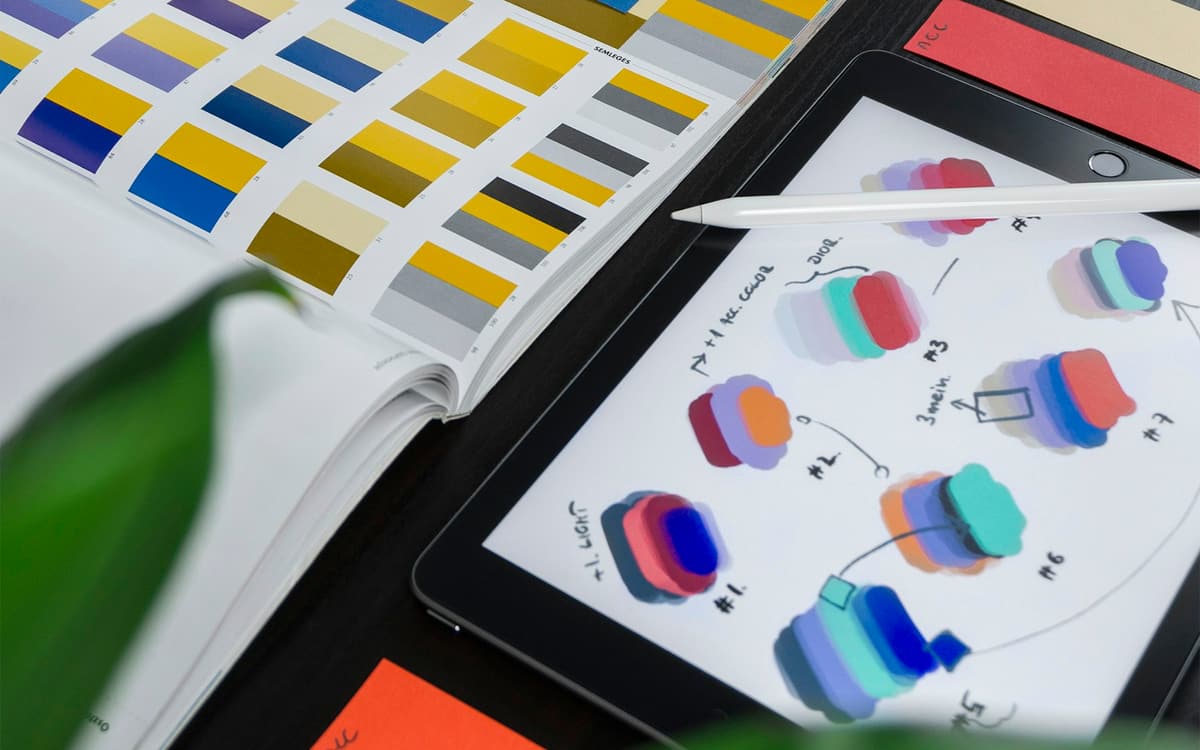
3. Colour accuracy, contrast and prepress discipline
- Contrast verification: test every palette pairing against WCAG contrast ratios (Contrast Checker, Stark) so interfaces and print stay effortless to read — see building a brand colour palette.
- Prepress preflight: run separation previews and preflight checks in InDesign or Acrobat before sending files to press (correct CMYK profile, 3–5 mm bleed, ink limits, outlined or embedded fonts).
4. Grids, plugins and batch automation
Seasoned designers automate mechanical geometry so 100% of their focus stays on concept and optical balance:
- Grid builders, logo construction and artboard pagination: generating modular grids, framing logo clear-space zones or numbering sixty artboards in one click transforms daily speed — the exact reason we built Numa Grid, Numa Logo Tools and Numa Pagination for Illustrator (see also choosing your grid in Illustrator).
- Actions and batch export scripts: automating final logo delivery folders (SVG, PDF, transparent PNGs across colour, monochrome and reversed variants) eliminates human error — see delivering a logo like a pro and cutting repetitive creative tasks.
5. Hardware priorities: where budget actually pays off
- A colour-accurate IPS display (99%+ sRGB coverage minimum): if your screen lies about greys and reds, every print run surprises you.
- 16 to 32 GB of RAM and fast NVMe storage: far more noticeable in daily multi-app work than chasing top-tier gaming CPUs.
- Ergonomic input (vertical mouse or pen tablet) to protect wrists over a career, paired with an unplugged external backup drive.
6. File hygiene and studio operations
Professional craft shows inside your folders too: keep a consistent numbering tree (`01_Brief`, `02_Exploration`, `03_Working_Files`, `04_Client_Exports`, `05_Admin`), versioned filenames and clear contract templates.
Graphic designer’s studio checklist
Want to streamline your studio’s design workflows or partner with us on an ambitious brand identity? Write to us.